
The school excursion can be one of the highlights of an educational year for students. They will have a chance to go somewhere outside their classrooms, learn about the connections between the subjects they learn and reality.
However, there should be some preparation for that, and most of this preparation lies in communication.
Parents require information, students require reminder and teachers – the up-to-date schedule. Administrators of schools want to have some tool to exchange messages with each other without repeating the same message all over again. Good communication makes a trip look well-organized and pleasant, while bad one may cause some stress even from some misunderstanding.
Digital communication tools can greatly help when used all along the process, but not just before the very end.
Preparing Students Before They Leave
Preparation for the excursion should take place in the classroom and not on the bus or at the airport. Knowing some information about the city or country that one is going to see increases the interest of students. Teachers may use a variety of ways to introduce students to the place they are going to visit such as using a map, video, picture, or class discussion. Moreover, the trip can be linked to other subjects. For instance, the history class can discover the historical facts related to the monument the students will see during their trip. The geography class can analyze the geography and climate of the region. Such an approach will give additional importance to the trip as now the students will know what to pay attention to.
It will be great if teachers involve students in the process of preparation as well. Students can conduct research on different places and prepare presentations and questions to the guide.
Making Important Information Hard to Miss
Schools usually share trip details through several channels. Parents may receive emails, students may get printed permission forms, and teachers may post updates in an online portal.
The problem is that people miss messages. Emails get buried, papers stay in backpacks, and online updates may not be checked regularly.
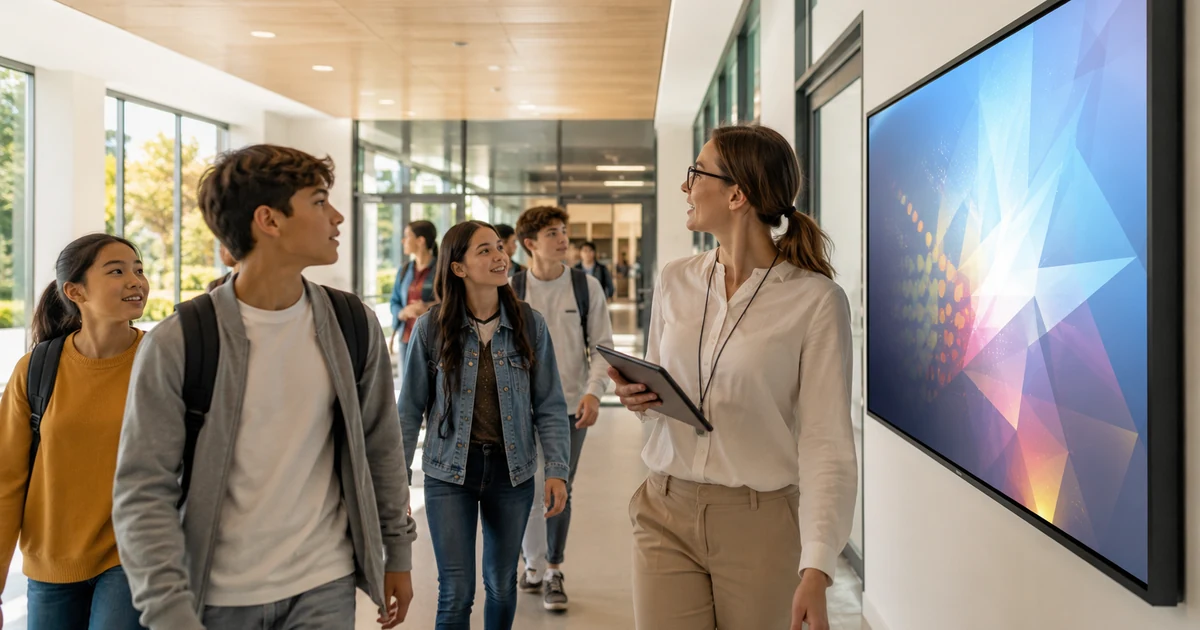
That is where visible on-campus communication can help. A school digital signage system can display departure times, permission-form deadlines, packing reminders, weather forecasts, and meeting-point information on screens around the school.
These screens can be placed in entrances, hallways, cafeterias, or other shared spaces. Students may see the same reminder several times during the week, which makes it much less likely that they will forget an important document or arrive without something they need.
The content can also be more engaging than a simple list of instructions. Schools can share destination photos, quick facts, countdowns, or student-made slides. That helps build interest while still keeping practical information visible.
Choosing a Destination With Real Educational Value
The best school trips offer more than sightseeing. They give students a chance to explore history, culture, geography, nature, and everyday life in a way that feels real.
A good itinerary should include a mix of activities. Museums and historical landmarks are valuable, but students may also enjoy local workshops, nature visits, cultural performances, or guided walks through older parts of a city.
For schools looking for a destination with a strong mix of history and landscape, Caucasus tours can offer opportunities to explore ancient sites, mountain regions, local traditions, and changing modern cities in countries such as Armenia and Georgia.
The right itinerary depends on the age of the students and the purpose of the trip. Younger groups may need shorter visits and more interactive activities. Older students may be ready for longer guided tours, research tasks, or discussions about regional history and culture.
What matters most is that the trip connects back to learning. Students should understand why each stop is included and what they are expected to take away from it.
Keeping Everyone Updated During the Trip
Even the best-prepared timetable is prone to alterations.
For instance, a bus may run late. Weather conditions may impact an outside event. Opening hours in a museum may get altered. In such instances, it becomes necessary for educators to find a quick and easy means of informing all concerned about any changes.
It is possible to use group messaging applications, online itinerary sharing tools, and other communication systems for schools to inform people via these means. Nonetheless, it is always advisable that the crucial information should be given face-to-face.
A short briefing at the start of each day is often useful. Students should know where they are going, what they need to bring, how long each activity will take, and where the group will meet afterward.
It also helps when all teachers and staff members are working from the same updated schedule. Conflicting instructions can be frustrating for students and may lead to avoidable delays.
Helping Parents Feel More Comfortable
For many parents, the biggest concern is not the destination itself. It is knowing that they will receive accurate information and that the school has a clear plan.
Before departure, schools can share a digital information pack with the full itinerary, accommodation details, emergency contact numbers, transportation plans, and basic rules for students.
For longer trips, occasional updates can also be reassuring. A short message confirming that the group arrived safely or completed the day’s activities is often enough. Schools do not need to post constant updates, but they should let parents know what kind of communication to expect.
Setting these expectations early can reduce repeated questions and allow teachers to focus on supervising the group.
Continuing the Learning After the Trip
The trip does not need to end when students return to school.
Teachers can ask students to create presentations, photo essays, travel journals, or short videos about what they learned. One group might focus on history, while another looks at architecture, food, traditions, or the natural environment.
The finished work can be shared in class, included in a school newsletter, or displayed on screens around campus. This gives students a chance to reflect on the experience and share it with classmates who did not attend.
It also helps teachers see which parts of the trip had the strongest impact.
Bringing Everything Together
A successful school trip depends on more than transportation and a good destination. It requires clear, consistent communication from the first announcement to the final classroom project.
Digital tools make it easier to share reminders, respond to changes, keep parents informed, and help students prepare for what they are going to see. They do not replace good planning or direct communication, but they make both easier.
When schools manage communication thoughtfully, trips feel less stressful and more meaningful. Students can focus on the experience, teachers can manage the group more confidently, and parents can feel reassured that everyone knows what is happening.