
Search the App Store for a Facebook video downloader and you will find a pile of apps with generic names, four-star ratings built on fake reviews, and a subscription prompt on the second screen. Apple does not allow apps that pull video off other companies’ platforms, so nothing official exists, and what fills that gap is mostly not worth installing.
The good news is that you do not need an app at all. Safari can download a video file and save it to your Photos app perfectly well. All you need is a website that handles the Facebook video download and hands you the file. The five tools below cover that, and the first one is built for exactly this.
1. FvidGo
What Is FvidGo
FvidGo is a free online Facebook downloader that runs entirely in the browser, with separate pages for everything from a feed clip to a Facebook Reels download. On an iPhone that is the whole appeal: you open Safari, paste a link, and get the video. No App Store, no install, no permissions dialog, and nothing taking up space on a phone that is probably already short of it.
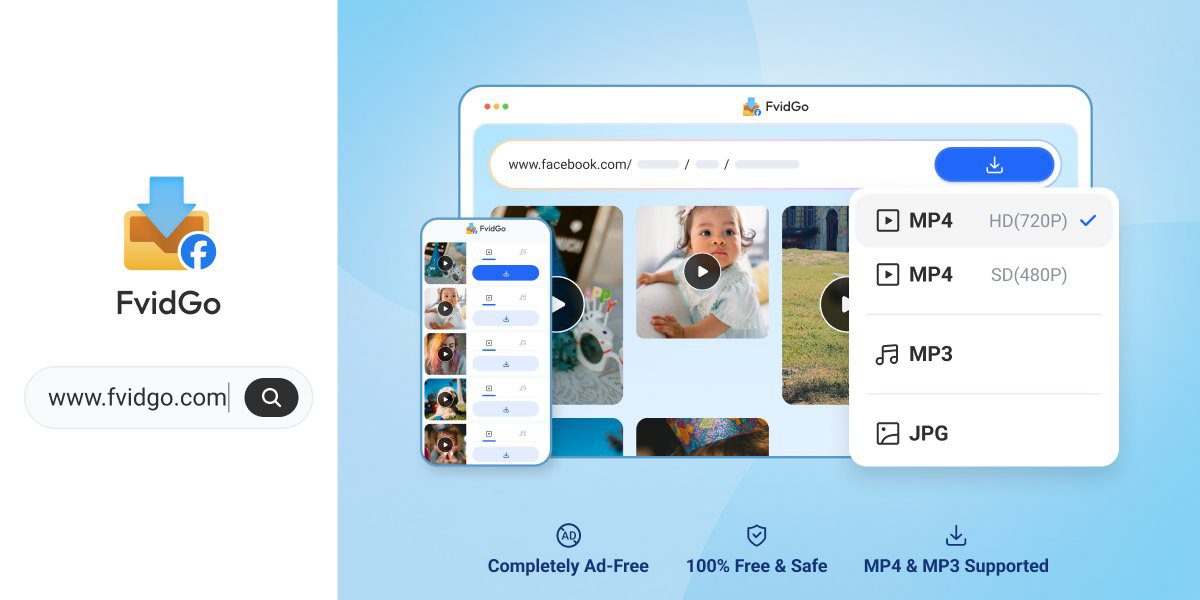
It covers the full range of Facebook content through separate pages for feed videos, Reels, Stories, private videos, photos, and audio. Because it is a website, the same page works in Safari on your iPhone, Safari on a Mac, or Chrome on a Windows laptop, with no difference in behaviour.
Key Features
- Works in Safari with nothing to install and no account to create
- Covers feed videos, Reels, Stories, private videos, photos, and MP3 audio
- Resolution up to 1080p, taken from the original post
- SD and HD options shown side by side so you choose the file
- Unlimited free downloads, no registration, no daily cap
- A clean page with no ads and no sign-up wall
- Nothing stored on the server: files are not kept and history is not logged
How to Download a Facebook Video on iPhone
- In the Facebook app, tap the three dots on the post and choose Copy link. If you are browsing Facebook in Safari instead, copy the address from the address bar.
- Open Safari, go to fvidgo.com, and paste the link into the box. Start the search and wait a second or two.
- Pick the quality you want. Safari will ask whether to download the file; confirm, and it lands in your Downloads. Open the Files app, find it, then use the share button and choose Save Video to move it into Photos. That final hop is an iOS quirk rather than anything to do with the tool, since Safari puts downloads in Files by default and moving a video to your camera roll is one extra tap.
Why FvidGo Suits iPhone Best
The iPhone constraint is that you cannot install a real downloader, so the browser is your only route, and most Facebook download sites are not built with a small screen in mind. FvidGo’s page is a single input box and a short list of results, which is about as friendly as this gets on a phone.
Everything else follows from that. No install means no App Store subscription trap and nothing eating storage. No login means you are never asked for Facebook credentials on a page you have no reason to trust with them. Unlimited free downloads mean the tool does not turn into a paywall on your fourth video. And since nothing is stored on the server, using it from your personal phone does not leave a record of what you saved, including a Facebook Story download. Three steps, an unmodified Safari, and you are done.
2. Snaptube
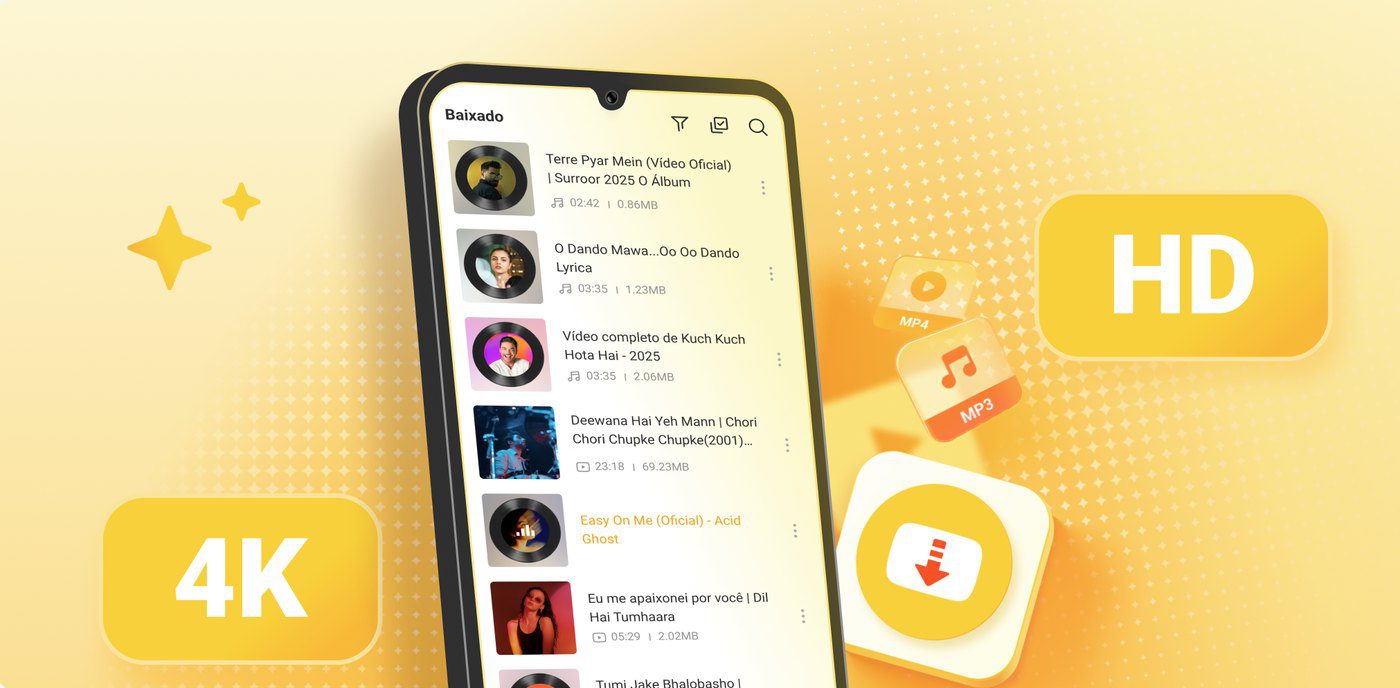
Snaptube deserves a clear caveat in an iPhone article: it is an Android app, and there is no iOS version. If your only device is an iPhone, it is not an option, and no article should pretend otherwise.
It earns a mention because plenty of people carry an iPhone and keep an Android tablet or a second phone around. On Android, Snaptube covers more than 100 platforms, handles resolutions from 144p up to 8K depending on the source, and outputs MP4, MP3, or M4A. It has a built-in offline player, does batch and full-playlist downloads, and remembers your format preference. You install it from the official site or from stores like Xiaomi GetApps, Huawei AppGallery, OPPO App Market, vivo V-Appstore, HONOR App Market, Samsung Galaxy Store, and Palm Store; it is not on Google Play. The app is around 20MB, needs only storage permission, and is free with no subscription.
3. SnapSave
SnapSave (snapsave.app) is a browser tool, so it works in Safari on an iPhone without any install. It handles public feed videos, Reels with no watermark, and Stories while they are still live, and it supports 1080p.
Be careful with the name: snapsave.app and snapsave.io are separate sites run by separate operators, and reviews of one do not describe the other. This one does not handle private videos or closed-group content. The page also shows premium-style prompts worth ignoring, and there have been Reddit reports of small verification charges turning into recurring ones, so stay on the plain download flow.
4. Snapsave.io
Snapsave.io is the other site in that family, and despite the near-identical name it is a different operation with different pages. It handles public Facebook videos and Reels, and it has separate pages for saving a post as MP4 or pulling the MP3 out. It supports 1080p and works fine in a mobile browser.
It has been growing steadily, which is a reasonable sign of active maintenance. Against that, it does not support private videos or closed groups, its Trustpilot sample is small enough to be uninformative, and there is no company information on the site. As a straightforward paste-and-download option for public posts on an iPhone, it does what it says.
5. FDownloader
FDownloader (fdownloader.net) is a browser-based Facebook downloader covering public videos, Reels through a dedicated page, and MP3 conversion, with a private-video page as well. It supports 1080p and needs no install or registration, so Safari handles it fine.
Its range is unusually wide for a web-only tool, which is why several user communities rate it among the better free Facebook Reels downloaders. The page carries ads, there is no batch download, and every video means another copy-paste. One caution from reviewers: do not enter account credentials on its private-video page. Note also that FDownloader (fdownloader.net) and FDown.net are different sites with similar names.
Which One Should You Use on an iPhone?
For an iPhone, FvidGo is the pick: it is built for the browser, covers every Facebook content type including Stories and private videos, gives you a visible quality choice, and never asks you to install or sign up. FDownloader is a solid second option if you also want MP3 conversion. Snapsave.io and SnapSave both work for straightforward public videos. Snaptube only enters the picture if you also own an Android device.