
Search for how to save a video from Pinterest and you will find roughly forty pages that all say the same four things: copy the link, open a site, paste the link, click download. Almost none of them mention the part that actually changes what lands on your drive, which is that the image you saved a minute ago by right-clicking was probably not the image the creator uploaded. It was a resized copy generated for the layout you happened to be looking at.
That is not a guess. It is written into the URL of every picture on both Pinterest and X, and you can confirm it on your own screen in about ten seconds. Do that first, before you decide whether any downloader is worth your time, because once you have seen it you will understand what these tools are actually for. It is not convenience. It is resolution.
Check it yourself in ten seconds
Open any pin, right-click the image, and choose “Copy image address”. Paste it somewhere you can read it. You will get something shaped like this:
https://i.pinimg.com/736x/e8/5a/0c/e85a0c974e72f36af99d01b9b713b3e4.jpgThe 736x is not decoration. It is the width in pixels of the copy your browser was handed. Pinterest keeps several sized variants of every upload and serves whichever one the page needs: roughly 236x for the thumbnails scrolling past in your feed, 474x for board views, and 736x once you click into a pin. Replace that segment with originals and load the address again:
https://i.pinimg.com/originals/e8/5a/0c/e85a0c974e72f36af99d01b9b713b3e4.jpgOn a decent pin that will frequently come back two to five thousand pixels wide. You were looking at 736. You would have saved 736. The rest of it was sitting on the server the whole time.
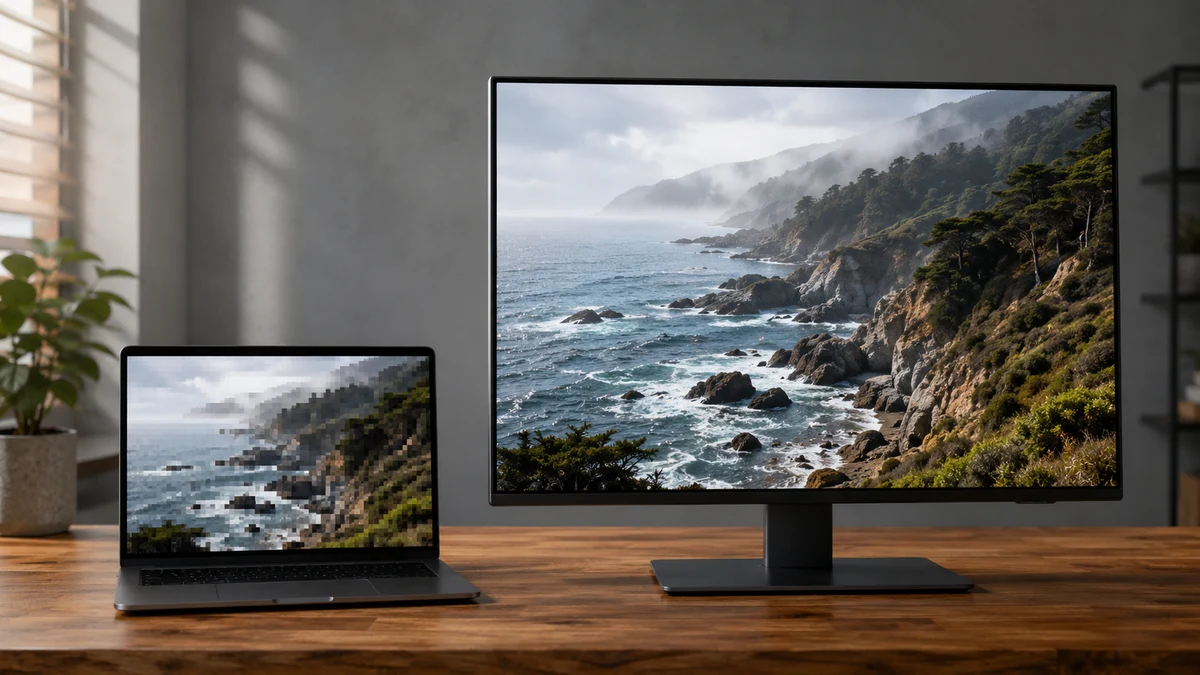
X does the same thing with a different syntax. Its media URLs end in a size alias rather than a path segment, and the timeline serves you medium by default:
https://pbs.twimg.com/media/Gx7kQ2aXwAA1abc.jpg?format=jpg&name=mediumSwap name=medium for name=orig and you get the largest version X is holding. A photographer’s shot that looked perfectly fine at 1200 pixels is often four thousand. Here is the full set of sizes on both platforms, which is worth keeping somewhere you can find it again:
| Platform | What appears in the URL | Roughly what you get | Where you see it |
|---|---|---|---|
/236x/ | 236 px wide | Feed thumbnails | |
/474x/ | 474 px wide | Board views | |
/736x/ | 736 px wide | An opened pin | |
/originals/ | Often 2,000 to 5,000 px | Nowhere in the interface | |
| X | name=thumb | 150 px | Small previews |
| X | name=small | 680 px | Compact layouts |
| X | name=medium | 1200 px | The timeline default |
| X | name=large | 2048 px | Expanded view |
| X | name=orig | Up to 4096 px | Nowhere in the interface |
One honest caveat, because the downloader industry is bad about this. The word “orig” means the largest file that was stored, not a file that gets manufactured on request. If someone uploaded a 900 pixel screenshot, orig returns 900 pixels. Nothing upscales. Any tool promising to turn a small pin into a 4K one is describing an interpolation filter, not a download.
Why the platforms serve you the smaller copy
There is no conspiracy here, only arithmetic. Pinterest is a wall of images and X is an infinite scroll, and shipping the full-resolution original for every tile in a feed would be enormously wasteful for the platform and slow for you. Responsive image serving is the correct engineering decision and every large site does it.
What nobody announced is that the meaning of a familiar verb quietly changed underneath us. “Save image as” used to mean save the image. Now it means save whichever derivative this layout requested, at a size chosen by a content delivery network, with no indication in the save dialog that a better one exists. That is the gap these tools live in, and it is worth being mildly annoyed about rather than grateful for.
Where the URL shortcut stops working
Try the same trick on a video pin and you will get nowhere, because video is not stored the way a still is. A video pin is not one file sitting at a guessable address. It is delivered as an adaptive stream, meaning the clip is cut into short segments at several bitrates and described by a playlist file that the player reads and reassembles as it goes. There is no single URL to hand-edit.
Getting a usable MP4 means fetching that playlist, pulling every segment, and stitching them back together in order. That is the unglamorous work a Pinterest video download tool is doing in the few seconds between your paste and your file, and it is the reason no amount of clever right-clicking will substitute for it.
Pinterest does have a download button of its own, which is the option to try first. It is also narrower than most people expect. It appears only on eligible full-screen video pins, only when that creator has left the permission switched on, and the file it produces carries a Pinterest watermark and the creator’s handle burned into the frame. For saving a recipe demo to watch in your kitchen that is completely fine. For anything where the watermark is in the way it is not a solution, and on a pin where the creator has disabled it there is no button at all.
Worth knowing before you go hunting for lost quality: a large share of the short video on Pinterest was not shot for Pinterest. It arrived as a re-upload from somewhere else, already compressed once by that platform and again on the way in. The 1080p ceiling you keep hitting is often not the downloader failing. It is the file having been through two encoders before you ever saw it.
Stills, boards, and the other platform
For a single photograph the URL edit above genuinely works and you do not need anything else. The case for a Pinterest image download tool is volume and animation: pulling a run of images off a board without hand-editing thirty addresses, and handling animated pins, where the thing you are looking at is a video file wearing a GIF costume and right-clicking gives you one frozen frame. If you have ever saved a moving pin and been baffled by the still that arrived, that is why.
X is the harsher case, because there the ceiling is a hard number. Four thousand and ninety-six pixels on the long edge is the maximum the platform retains, so a fifty megapixel original posted to X does not exist anywhere on X at fifty megapixels. It was cut down at upload and the full version is simply gone. Given that, the entire game is making sure you at least come away with the 4096 rather than the 1200 the timeline showed you, which is all a twitter video download tool needs to do for stills, and it will pull every image from a multi-photo post in one pass instead of making you open each one in turn.
The part these articles usually skip
Every guide to this subject ends with a limp sentence about respecting copyright and then moves on, which helps nobody, so here is an actual position.
Downloading is not the thing that matters. A file on your own drive, kept for reference, for a mood board, for a print you are working from, or simply because Pinterest is not an archive and pins vanish when accounts do, harms nobody. It is the ordinary behaviour of anyone who has ever lost a saved link. Nothing about a higher-resolution copy of that same file changes the ethics of it. You already had it on screen.
Republishing is the thing that matters. The moment that file becomes a post on your account, a thumbnail on your site, or an asset inside something you sell, you are using someone else’s work, and the resolution is beside the point. That is the line, and it is not blurry. The reason so many people are fuzzy about it is that both platforms are built to make other people’s images feel ambient, like weather rather than labour. They are not weather. Somebody stood somewhere and took them.
If you would be uncomfortable telling the photographer where the file ended up, that is your answer, and it arrived long before you opened a downloader.
What to actually do
- One still image. Edit the URL. It costs nothing, installs nothing, and it will teach you more about how these platforms work than any tutorial.
- A video pin. Try Pinterest’s own download button first. If it is missing, or the watermark is in your way, a downloader is doing genuine reassembly work your browser will not do.
- An animated pin. Treat it as video, not as an image, because that is what it is.
- A whole board. Batch it. Nobody should hand-edit thirty addresses.
- Anything on X. Assume you are being shown 1200 pixels and that 4096 exist. Check before you settle.
Whichever route you take, do one last thing: open the file you saved and look at its actual pixel dimensions. Most people have never done this once, which is exactly why so many of them are sitting on a folder full of 736 pixel copies of images that were five thousand pixels wide the entire time.