

Most WooCommerce breakdowns don’t happen on the storefront. They happen behind it, in the catalog nobody updated on time, the invoice that never reached a customer, the consent banner that’s technically non-compliant, the cart that got abandoned and never followed up on. None of that shows up in a product photo, but all of it decides whether a store scales or stalls.
The fix isn’t more hours in the day. It’s picking plugins that quietly absorb the repetitive parts of running a store, so the operational load doesn’t grow in lockstep with your order volume. Below are twelve worth having on your radar in 2026, arranged from the plugin most stores need first, catalog and data management, outward to the compliance and retention tools that matter once the basics are covered.
This isn’t the same running order you’d get from a typical plugin roundup, and that’s deliberate, the value of a list like this comes from the reasoning behind the order, not just the names on it.
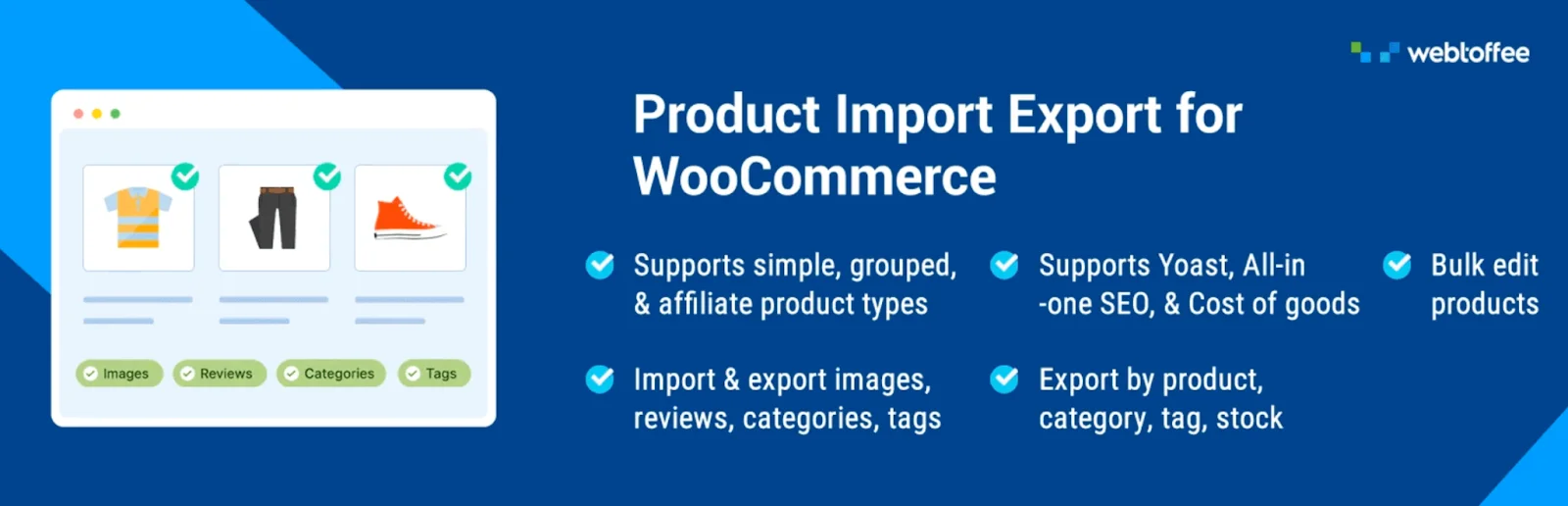
Any store that’s grown past a few dozen SKUs eventually hits the same wall: product data scattered across spreadsheets, supplier feeds, and half-finished CSV exports. WooCommerce product import export plugin is built specifically to close that gap. It moves product data in and out of your store in CSV, XML, TSV, or Excel, and can also import directly from a Google Sheets URL, so you’re not locked into whatever format your supplier happens to send.
What makes it genuinely useful at scale is the filtering. You can export by SKU, stock level, price band, featured status, creation date, or description text instead of pulling your entire catalog every time you need a subset. Add FTP/SFTP scheduling into the mix, and recurring jobs, nightly stock syncs, weekly supplier pulls – run without anyone remembering to click a button. If you’re migrating platforms or keeping inventory aligned with a supplier on a schedule, this is usually the first product import export plugin worth installing.
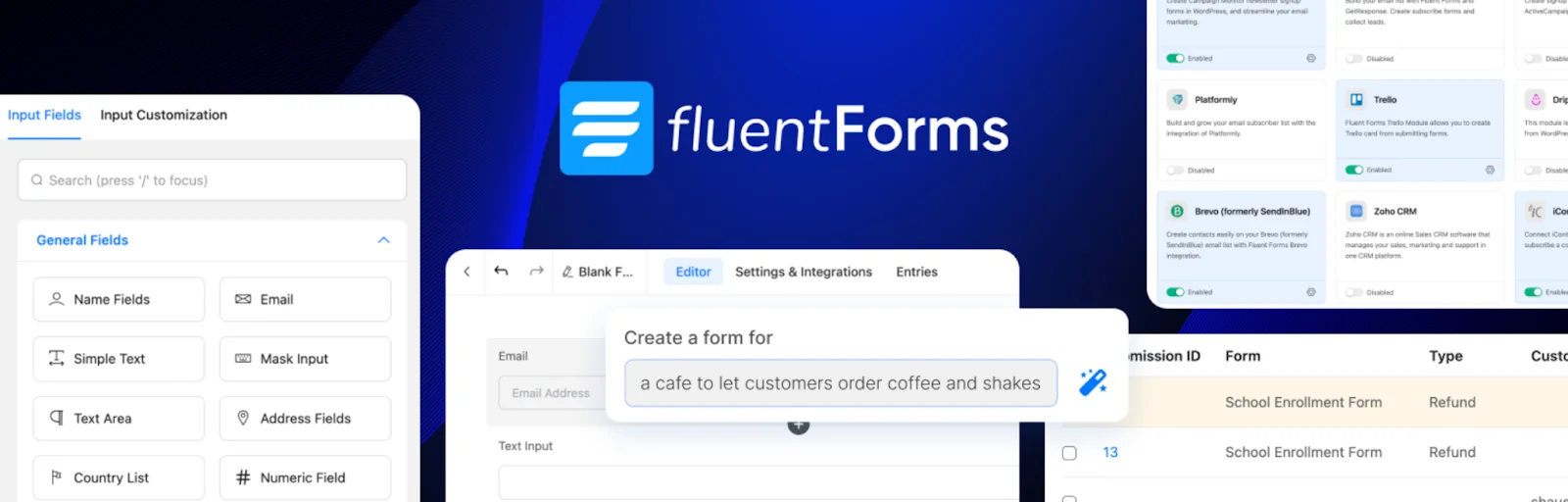
Forms are one of those things every store needs and almost nobody wants to build from scratch. Fluent Forms handles that with a drag-and-drop editor, conditional logic that shows or hides fields based on earlier answers, and a conversational mode that walks visitors through one question at a time instead of dumping a wall of fields on them.
There’s also an AI form creator that sketches out a starting layout you can then adjust, plus a template library and the usual range of input types and validation rules. For support requests, event sign-ups, or lead capture, it covers the ground most stores actually need without forcing you into a page-builder-style learning curve.
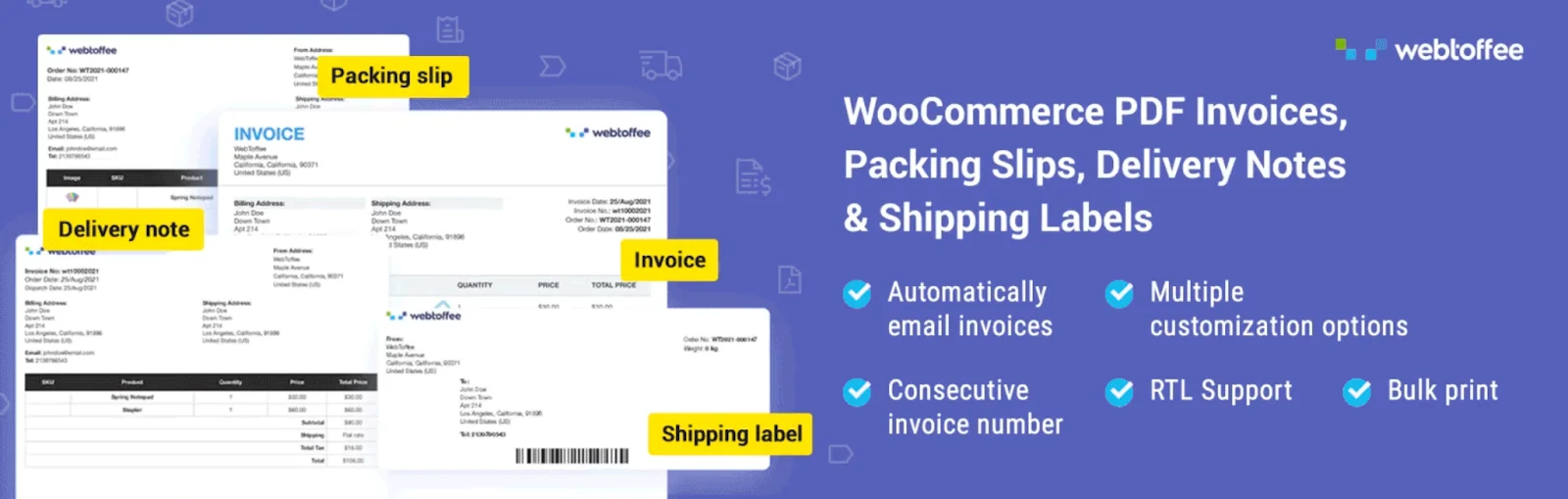
Generating clean, professional invoices and packing slips is essential for any WooCommerce store, especially those handling wholesale orders or international customers. The PDF Invoices and Packing Slips plugin for WooCommerce makes this easier by automatically generating PDF invoices and attaching them to order emails.
The plugin also allows merchants to customize invoice templates to match their branding, create PDF invoices and packing slips, bulk download invoices, and maintain consistent documentation for tax and legal requirements. By automating these tasks, store owners can save time and simplify their order management workflow.
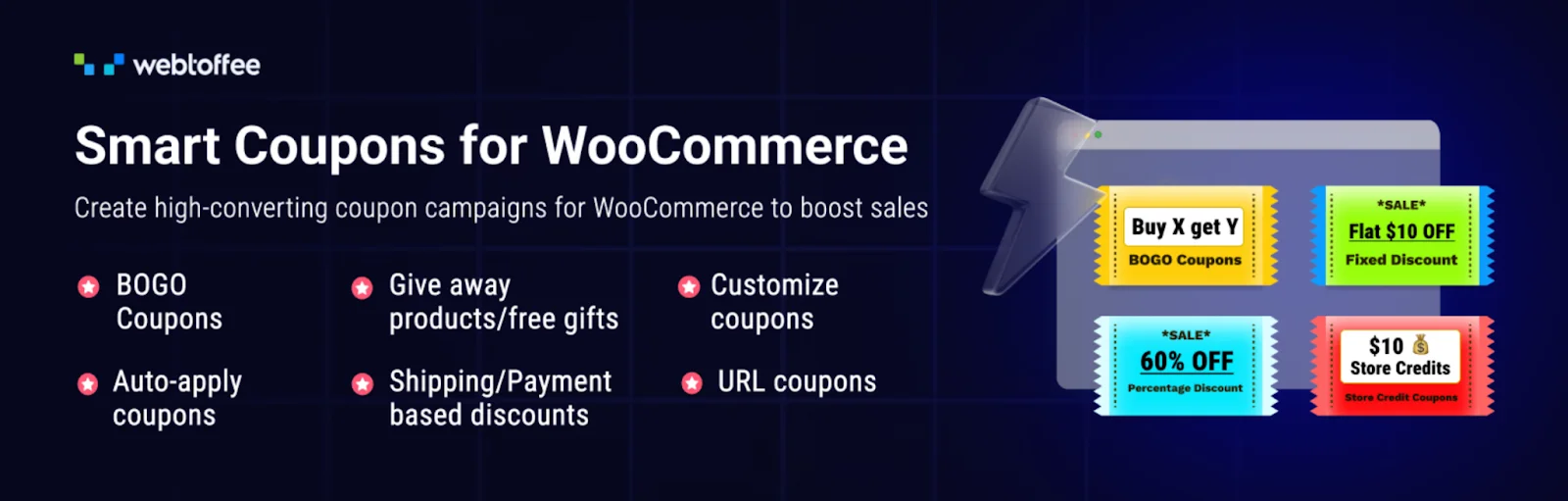
Default WooCommerce discounting covers the basics and not much else. Smart coupons WooCommerce plugin extends that into percentage discounts, BOGO offers, gift certificates, and store credit, all managed from one dashboard instead of juggling separate tools for each promotion type.
Coupons can be restricted by product, category, or user role, generated in bulk for a campaign, or issued automatically for abandoned-cart recovery and loyalty rewards. A free version of this advanced wordpress coupons plugin is available on WordPress.org with the standard coupon types and BOGO offers included, which is enough for stores that just want to run a clean promotion without the full automation layer.
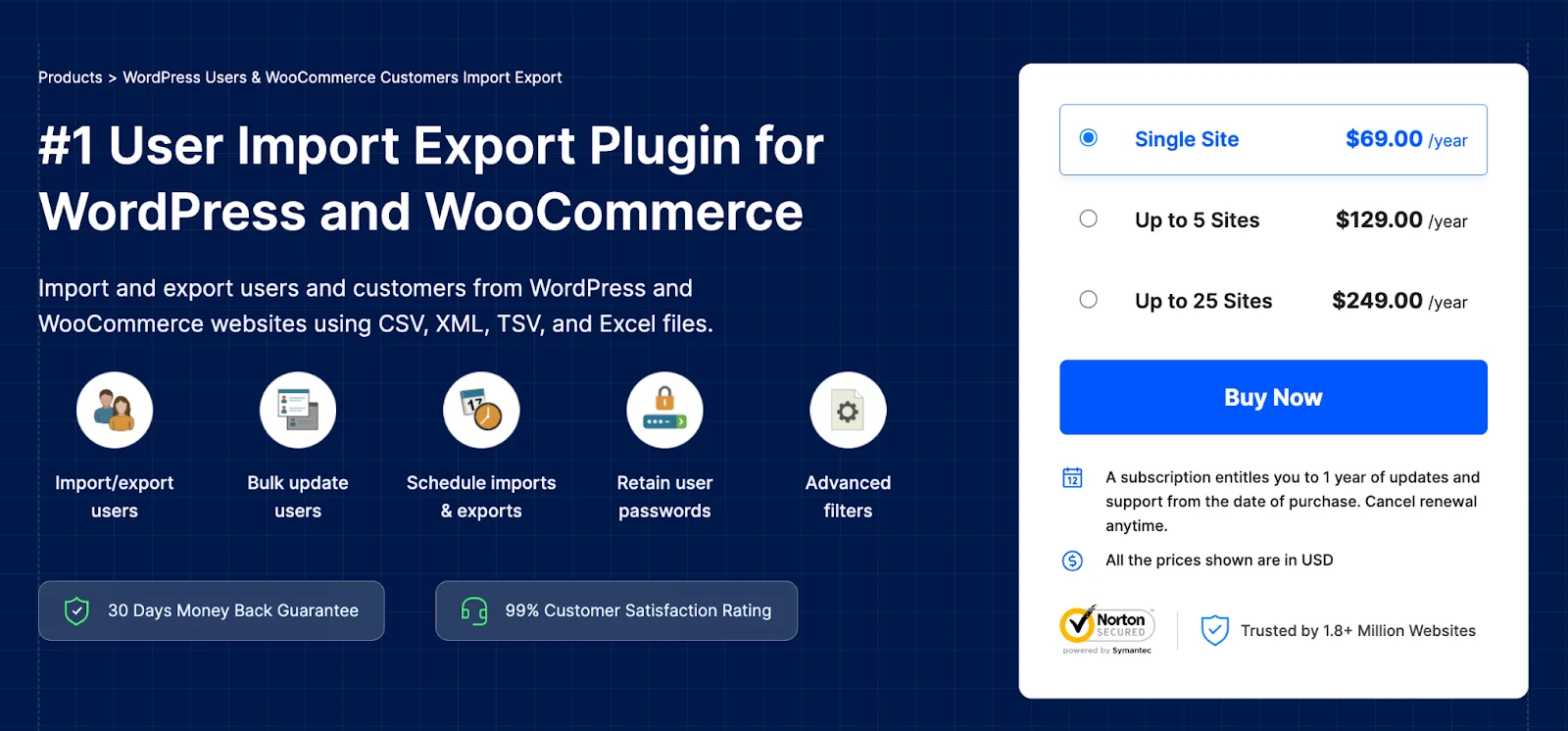
Customer data gets messy fast once you’re dealing with wholesale tiers, membership groups, or a platform migration. WordPress Users & WooCommerce Customers Import Export brings that under control through CSV, XML, TSV, or Excel files, moving complete profiles, billing and shipping addresses, roles, custom fields, and account metadata, rather than a partial slice that leaves gaps to chase down later.
You can filter exports by user role, email, or registration date, and reorder or rename columns before the file even leaves your dashboard. User import export plugin also supports bulk edits on import, so updating existing customer roles or contact details doesn’t mean opening records one at a time. For onboarding a wholesale list or consolidating accounts after a rebrand, it’s the difference between a clean migration and a week of manual cleanup.
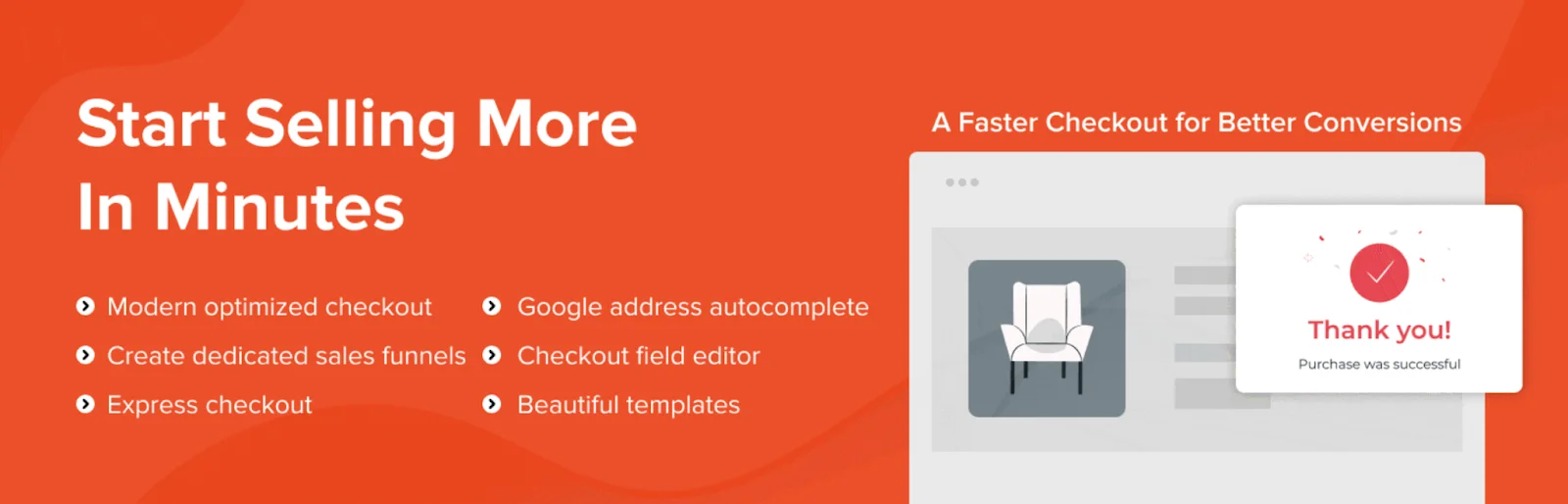
A cluttered checkout page is a quiet revenue leak. CartFlows strips that down to focused, distraction-free checkout pages, then layers in order bumps, upsells, and downsells that appear based on what’s actually in the cart — not a generic popup shown to everyone.
It works inside Elementor, Spectra, Bricks, or Beaver Builder, so you’re not learning a new editor on top of the one you already use. Post-purchase automation handles follow-up messaging, and a built-in analytics panel shows revenue and conversion at each stage of the funnel, which makes it easier to spot exactly where visitors are dropping off.

Accessibility often gets overlooked until a complaint or legal concern comes up. WebYes Accessibility Toolkit helps WordPress and WooCommerce site owners identify common accessibility issues by checking their sites against WCAG 2.1, ADA, and EAA standards.
Its Chrome extension can detect issues like missing alt text, poor color contrast, and keyboard navigation problems. A free version is available, making it easy to get started. While it does not guarantee full legal compliance, it can help reduce common accessibility gaps without requiring coding skills.

Shoppers read reviews before they buy, full stop. Site Reviews gives you a way to collect and display that feedback without losing editorial control over what shows up on your pages.
You can pin standout reviews to the top, require approval before anything goes live, and restrict submissions to logged-in users only. A verification option flags whether a review is tied to a real purchase, which matters more than people think for credibility. Notifications land when new reviews come in, and you can reply directly rather than managing feedback somewhere off-site.
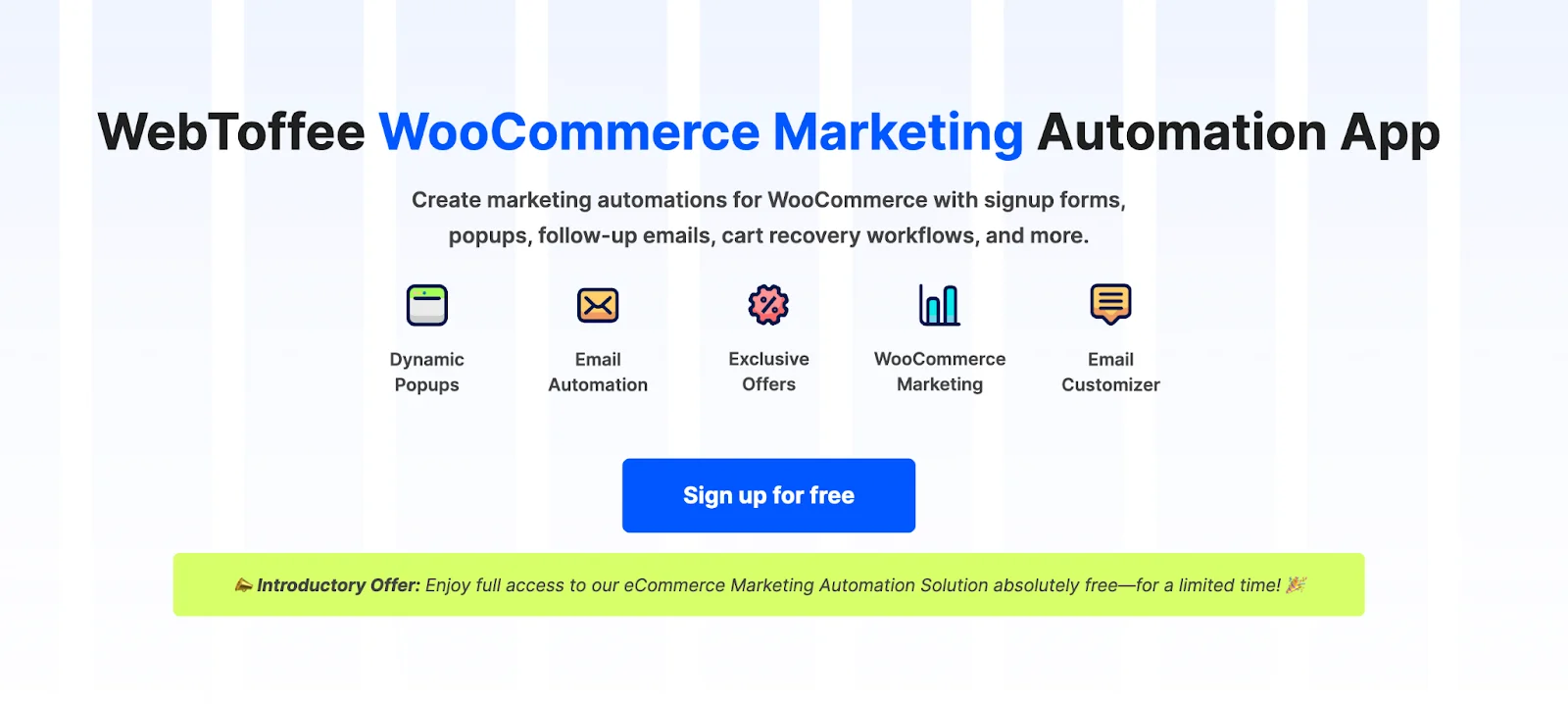
Getting someone to visit your store once is the easy part. Getting them to come back is where many stores start to lose momentum. This eCommerce marketing automation app helps build that retention layer with welcome emails for new signups, cart recovery sequences with discount or free-shipping incentives, and targeted on-site prompts for visitors who are already browsing.
Beyond the automated triggers, the marketing automation plugin lets you create ongoing email sequences for different customer segments and schedule follow-ups after purchase. Once everything is set up, the automation runs in the background without the need to send messages manually.
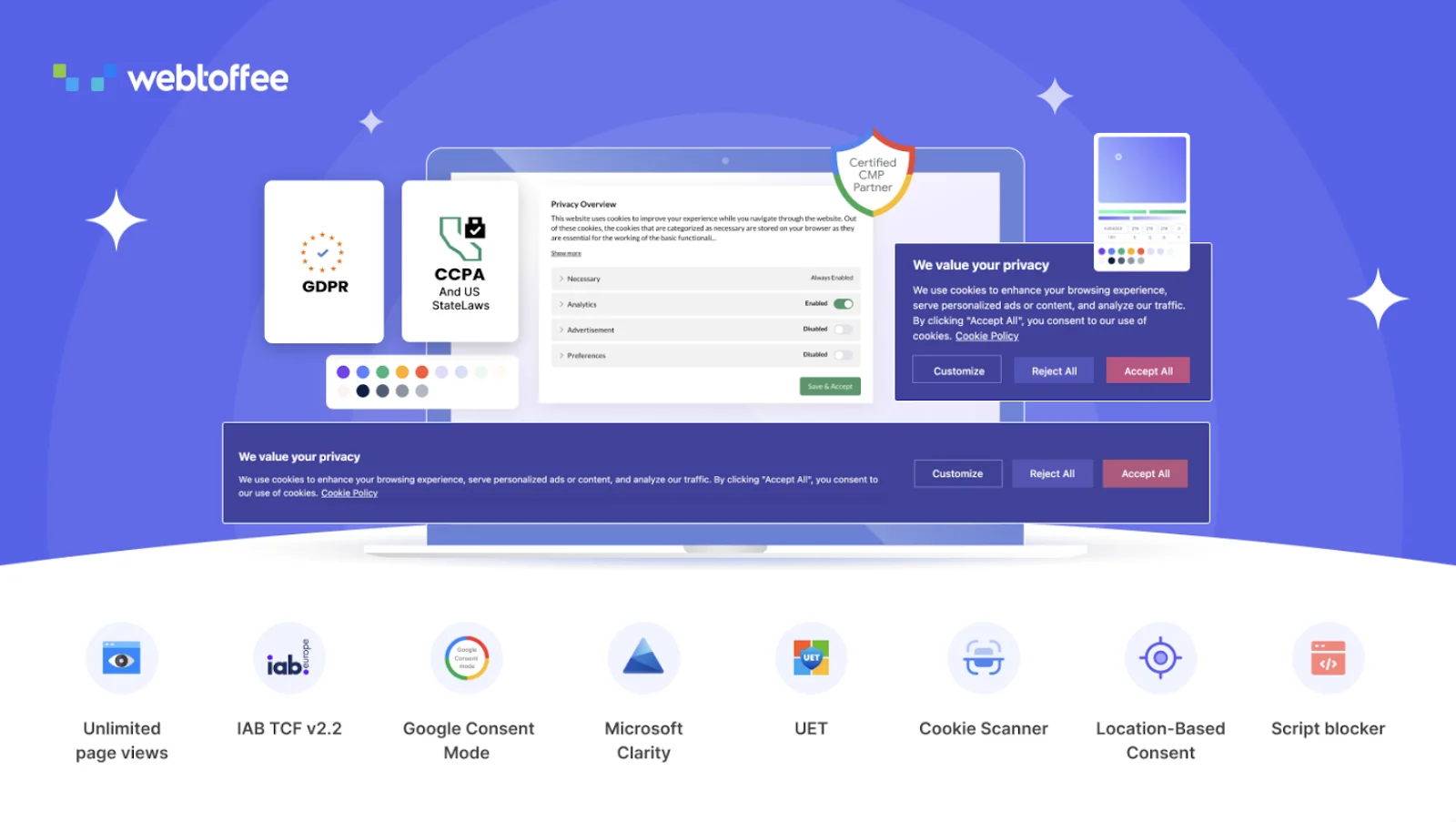
Privacy compliance is essential for stores receiving traffic from regions such as the EU, UK, and California. This GDPR cookie consent plugin helps manage those requirements without overwhelming visitors with unnecessary pop-ups. It supports Google Consent Mode v2, blocks third-party scripts until consent is given, and uses GeoIP targeting to display banners only where required.
The built-in cookie scanner detects and categorizes cookies so visitors can easily review their preferences. It also logs consent records with category and timestamp details for auditing purposes and supports Microsoft Clarity v2 and UET consent.
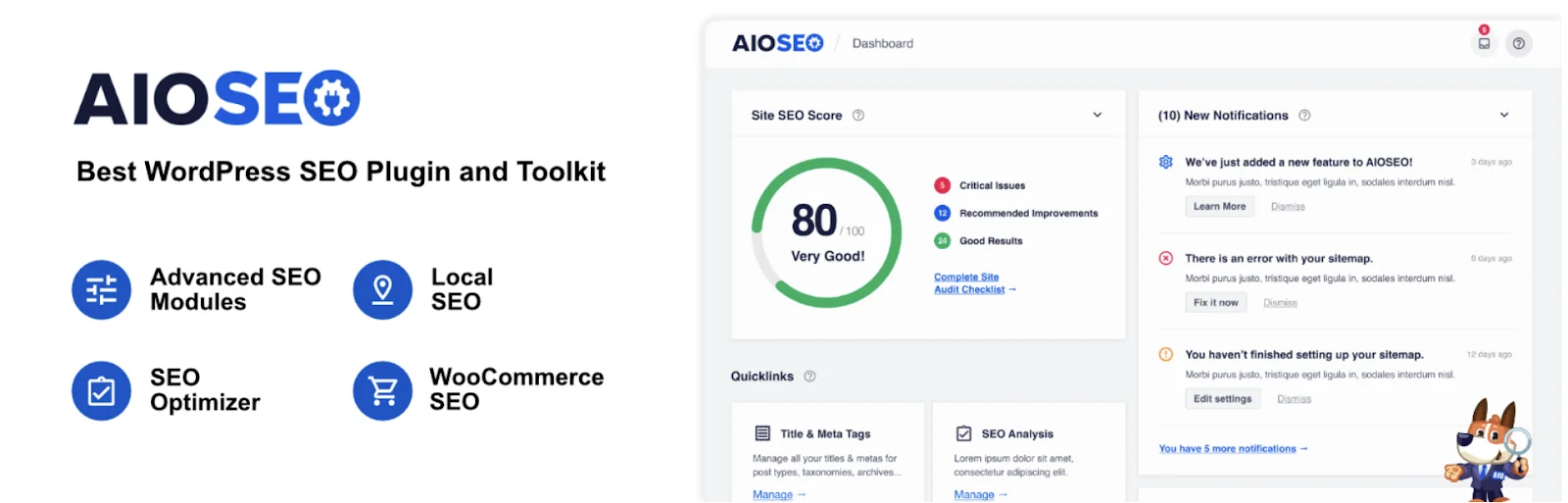
You don’t need to become an SEO specialist to rank — you need the right defaults in the right places. All in One SEO puts meta titles, indexing rules, content structure, and schema markup in one panel, without requiring a deep dive into technical settings to use it.
It auto-generates XML sitemaps, suggests internal links across related content, and runs audits that flag whatever’s likely dragging down your rankings. Keyword position tracking shows movement over time, there’s local SEO support for location-based searches, and it connects directly to Google Search Console for monitoring changes as they happen.
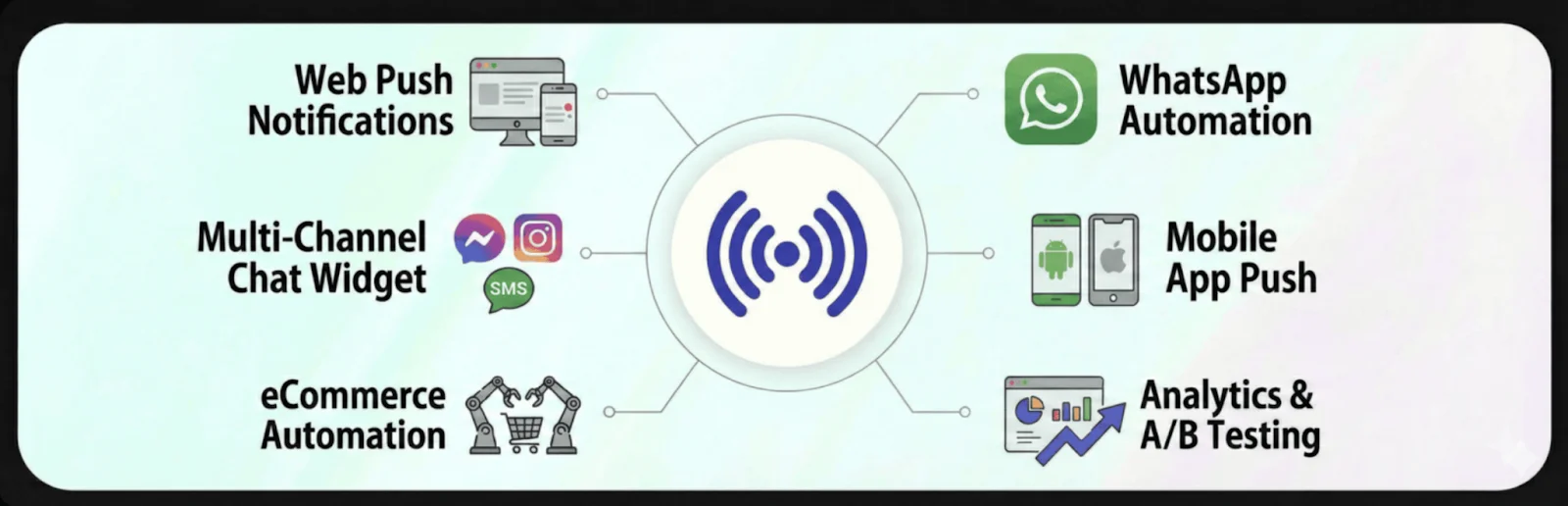
A one-time visit doesn’t pay the bills — repeat visits do, and most stores underinvest in bringing people back. PushEngage covers that through push notifications, chat widgets, and WhatsApp automation, keeping your store visible even after someone’s closed the tab.
Visitors opt in through a simple prompt, then get alerts on new arrivals, price drops, or items they’d looked at earlier. WhatsApp automations handle abandoned-cart messages and order confirmations, order status updates go out automatically, and the campaign dashboard tracks performance and revenue attribution for each send.
Wrapping Up
None of these plugins fix a store on their own, and you don’t need all twelve running at once. What they do is remove the operational drag that piles up quietly — the catalog work, the paperwork, the compliance checks, the follow-ups that never happen because nobody has time. Start with whichever one of these is causing the most friction in your store right now, get it working properly, and add the next one when it’s actually needed.
If catalog management is where you’re starting, Product Import Export for WooCommerce is worth trying in its free version first before deciding whether the Pro features — advanced scheduling, extra filters — earn their place in your stack. And if you’re also moving orders or a full store’s worth of data at once, Order Import Export Plugin and Import Export Suite for WooCommerce cover the rest of that migration without needing three separate tools.