
Introduction
Sound can make or break a piece of digital content. Videos, podcasts, online lessons and social posts all lean on it, and the quality of that sound shapes how the audience feels from the first second. Crisp speech, music pitched at the right level and well-placed effects keep people watching and help them follow along. A cookery video where the sizzle drowns out the recipe soon loses its viewers. Now that almost anyone can produce content, online audio editing gives creators a simple way to tidy up their sound without wrestling with heavy software.
Understanding Online Audio Editing
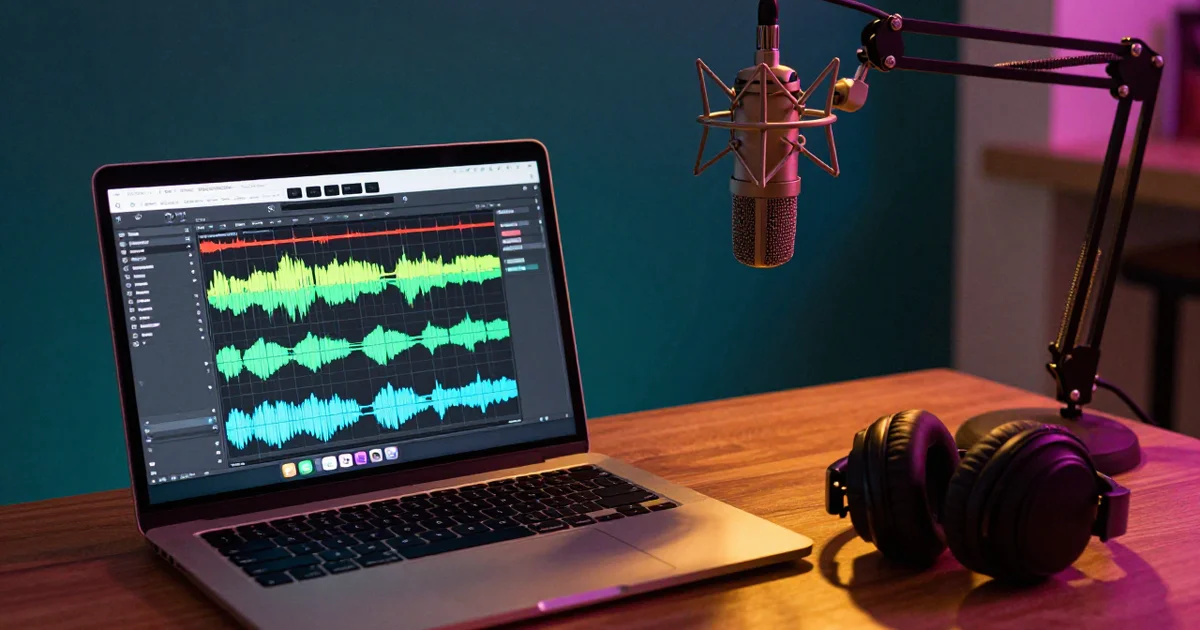
Online audio editing simply means shaping and polishing recordings through web-based apps. The work happens right inside the browser, so there’s no need to download a bulky desktop program. Depending on what a tool offers, people can trim clips, cut out unwanted bits, raise or lower the volume, join several recordings together and make other basic fixes. A student finishing a group project on a library computer can do all of this without installing a thing.
This approach suits anyone after a no-fuss way to edit. Newcomers can learn the basics without spending weeks on professional production suites. Seasoned creators find browser tools handy too, especially for small jobs or a quick tweak before a deadline.
Why Audio Quality Matters in Digital Content
The way something sounds changes how people judge it. Stunning visuals can still look amateurish if the speech is muffled or the music is far too loud. In the same way, a recorded lesson loses its punch when a barking dog keeps breaking into the explanation.
Careful editing keeps a recording steady from start to finish. It lets creators clear out distracting silences, balance the different layers of sound and smooth the moves from one section to the next. A podcast host who trims out a dozen long “ums” will hear the difference straight away. Those small changes make listening more pleasant and help the message land.
Companies, teachers, freelance creators and broadcasters all gain from audio that has been properly polished. First impressions often come through the ears.
Essential Features of Modern Audio Editing Tools
Each editing app has its own strengths, though a handful of features prove useful across almost every kind of project.
Audio Trimming and Cutting
Trimming clears away dead air at the start or end of a recording. Cutting goes further, removing stray pauses, slips of the tongue or random noises from deep inside a file. A teacher who coughs halfway through a lesson recording can lift that moment out in seconds.
Volume Adjustment
Volume controls keep sound levels even across different recordings. Speech captured on a microphone, for instance, can come out quieter than the backing track. Balancing each layer stops one sound from swamping another.
Noise Reduction
Unwanted background sound can get in the way of speech and make a recording hard to follow. Noise reduction helps tame things like the hum of an air vent, electrical buzzing and the low murmur of a busy room. A podcaster recording in a flat beside a busy road will be glad of it. Pushing it too far can make a voice sound thin and odd, though, so a light touch works best.
Audio Effects and Transitions
Effects such as fades, equalisation and amplification give creators more say over how everything sounds. Fading music in and out is ideal for opening or closing a clip without a jarring start or stop. Equalisation can also lift or soften certain frequencies so speech comes through more clearly. A boomy voice recorded in a bathroom can sound far more natural after a few small tweaks.
How Browser-Based Editing Supports Different Creators
Web-based editing serves people with all sorts of needs. Students can polish recorded presentations, and teachers can put together clearer lesson material. Podcasters can tidy their conversations, snip out slips and balance the theme tune against the chat. A sixth-former practising a speech for an interview might record it three times and keep only the best bits.
Video makers rely on solid audio editing when pulling multimedia projects together. They often have to line up speech, music and sound effects so everything matches what’s happening on screen. An audio editor online offers a browser-based space for those adjustments, which is especially welcome when a project needs straightforward editing without a lengthy set-up. A wedding videographer racing to send a highlights reel by Monday will appreciate that.
Small firms can use online audio tools for voiceovers, adverts and how-to recordings. A local garden centre might record a short spring promotion over a lunch break. Whether a particular app suits the job depends on its features, the file types it accepts, how well it runs and what the project demands.
The Importance of Choosing Compatible Audio Formats
The file format affects sound quality, file size and whether an editing app can open the recording at all. MP3 is a firm favourite because it creates fairly small files that are easy to share and post online. WAV files usually keep the full, uncompressed sound, which makes them a strong choice when a recording needs more work later. A musician sending a demo to a producer would normally pick WAV for that reason.
Other options, such as AAC and FLAC, have their own jobs depending on how much compression is wanted and where the file will be played.
It’s worth thinking about where the finished audio will end up before any editing begins. A podcast destined for streaming apps may call for another format than a track heading to a professional studio. Picking the right export settings keeps the quality high while holding the file size in check.
Common Mistakes to Avoid During Audio Editing
Editing apps make adjusting sound far easier, yet a few common slips can still spoil the end result.
Music that is far too loud tops the list. Background tracks are there to back up the main content, not to fight it. Piling on effects is another trap, since too many can leave a voice sounding robotic or crackly.
Sudden jumps between unrelated sections are best avoided too. Listening closely to each transition helps catch clicks, sharp changes and awkward gaps. Keeping a copy of the untouched recording matters just as much, because it allows a quick rescue if an edit goes wrong. Many a creator has been grateful for that backup late on a Sunday night.
The Future of Online Audio Editing
Browser-based audio tools keep improving alongside advances in cloud computing, artificial intelligence and digital media. Automatic noise clean-up, speech enhancement, transcription and smart sorting of sound are already putting some tricky tasks within easier reach. A student can now upload a lecture and get a clean recording and a written transcript before dinner.
Artificial intelligence may also spot recording problems and suggest suitable fixes. Even so, automated features can’t fully take the place of human judgement. Editors still have to weigh up the setting, the mood, the pace and who will be listening. The machine can clean up the sound. Only a person can say whether it feels right.
Conclusion
Online audio editing has become a key part of producing modern digital content. Because it’s so easy to reach, individuals and organisations alike can improve their recordings, organise their sound and get audio ready for whichever platform it’s heading to. A grasp of the core features, sensible format choices and an eye for common mistakes all help creators get steadier results. As browser-based tools keep moving forward, online audio editing looks set to remain a practical way to produce clear, well-organised and engaging content. Good sound rarely gets noticed. Bad sound almost always does.