
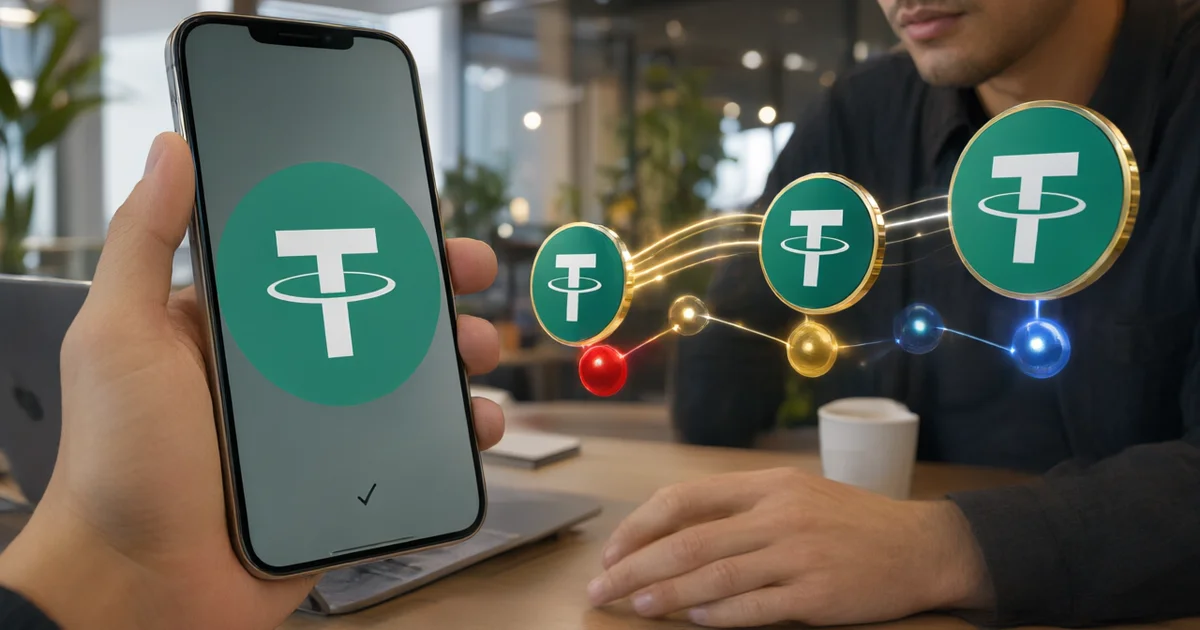
Tether (USDT) is not one token but many. The same dollar stablecoin is issued on several blockchains, and each version lives only on its own network. USDT on Tron cannot be sent to an Ethereum address, and USDT on BNB Chain is a different token from USDT on Ethereum, even though both use addresses that start with 0x.
When you swap another coin into USDT, the network you pick decides which address you need, which fees you pay to move the coins later and where you can spend them. Choosing it before you swap avoids most of the mistakes people make with stablecoins.
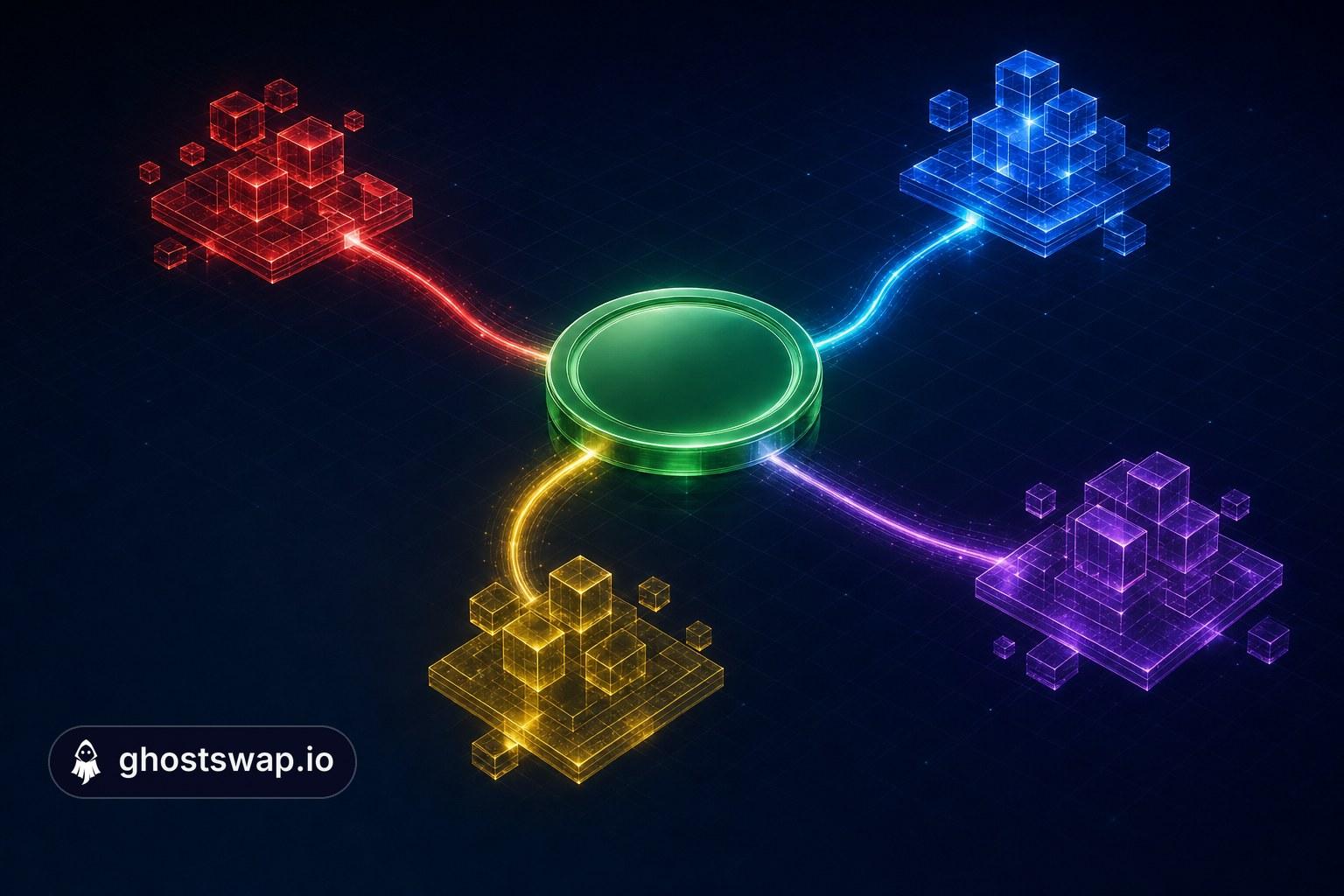
The networks you will see most often
| Network | Also called | Address format | Fees paid in |
|---|---|---|---|
| Tron | TRC-20 | Starts with T, 34 characters | TRX, or staked energy |
| Ethereum | ERC-20 | Starts with 0x, 42 characters | ETH |
| BNB Smart Chain | BEP-20 | Starts with 0x, 42 characters | BNB |
| Solana | SPL | Letters and numbers, usually 32 to 44 characters | SOL |
| TON | Jetton | Usually starts with UQ or EQ | TON |
USDT also runs on Polygon, Arbitrum, Optimism, Avalanche and other networks. Most of them use 0x addresses too, so the same risk of mixing them up applies.
What each choice means in practice
Tron (TRC-20) is the network many people mean when they say “send me USDT”. Transfers confirm in about a minute and are accepted by a large number of wallets and services. The catch is gas: every USDT transfer on Tron uses energy and bandwidth, and if you have no staked energy the network burns TRX to cover it. A brand-new address that holds only USDT cannot send it on until you add a little TRX.
Ethereum (ERC-20) has the widest support across apps, exchanges and DeFi protocols. Fees are paid in ETH and rise when the network is busy, which can make small transfers expensive at peak times.
BNB Smart Chain (BEP-20) has low fees paid in BNB and is common in mobile wallets. Its addresses look exactly like Ethereum addresses, which is where many wrong-network mistakes start.
Solana and TON are fast and cheap, and USDT on them is growing, but fewer services accept them for deposits. Check that whoever you will pay, or wherever you will withdraw to, supports the network before you choose it.
Choose by where the USDT goes next
The right network is usually decided by the next step, not by the swap itself:
- Paying a person or a business: use the network they name. If they just say “USDT”, ask which one.
- Moving the USDT to an exchange or a crypto card: check the deposit options there and match one of them.
- Holding it for a while: pick a network your wallet supports well, and keep a little of that network’s gas coin (TRX, ETH, BNB, SOL or TON) on the same address, so you can move the USDT when you need to.
- Sending small amounts often: a low-fee network such as Tron, BNB Chain or Solana usually makes more sense than Ethereum.
How to swap into the right USDT
On a swap service you choose the exact version of USDT you want to receive. On GhostSwap, each network is listed as its own coin, such as USDT TRC20, USDT ERC20 and USDT BEP20, and a swap needs no account, no email and no ID.
- Choose the coin you send and the USDT version you want to receive.
- Paste a receiving address for that network, copied from your wallet. A Tron payout needs a T address; an ERC-20 or BEP-20 payout needs a 0x address.
- Enter the address you send from, so the deposit can be refunded there if the swap cannot complete.
- Send the deposit to the one-time address shown.
- Follow the swap on its status page until the USDT arrives.
If you are starting from Bitcoin, GhostSwap’s Bitcoin to USDT (TRC20) page shows the typical minimum, how long each side usually takes and how to check the payout on Tronscan. Most of the wait is on the Bitcoin side, since the deposit needs one to three blocks to confirm before the USDT is sent.
The amount shown before you send already includes the service fee and the network fee for sending the USDT to you. Your own wallet adds the network fee for the deposit.
Common mistakes and how to avoid them
Sending on the wrong network. A 0x address is valid on Ethereum, BNB Chain, Polygon, Arbitrum and more. If USDT is sent on a different network from the one the receiver expects, it does not disappear, but it lands somewhere the receiver may not be looking. If the address is in a wallet where you hold the private key, you can usually add that network in the wallet and see the coins. If the address belongs to an exchange or another service, recovery is up to them and is not always possible.
Receiving USDT with no gas coin. The USDT arrives, but you cannot send it on. Keep a small amount of the network’s gas coin on the same address before you need it.
Copying an address from your history. Address-poisoning scams send tiny amounts from look-alike addresses, hoping you will later copy the wrong one from your transaction list. Copy addresses from your wallet’s receive page or from the person you are paying, then check the first and last few characters.
Skipping a memo. USDT on Tron, Ethereum and BNB Chain does not use memos, but some exchanges ask for a memo or comment on other networks, including TON. If a deposit page shows one, include it.
A quick decision guide
- Someone named a network: use it.
- You want low everyday fees: Tron, BNB Chain or Solana, with a little gas coin on hand.
- You need the widest app support: Ethereum.
- Not sure: ask the receiver before you swap. Fixing a wrong-network transfer takes far longer than asking one question.
Stablecoins are simple once the network is right. Decide where the USDT is going, pick the network that gets it there, and paste an address for that network when you swap.
Facts checked on 23 November 2026.